





Getting started with your
XP-PEN Artist display
1/9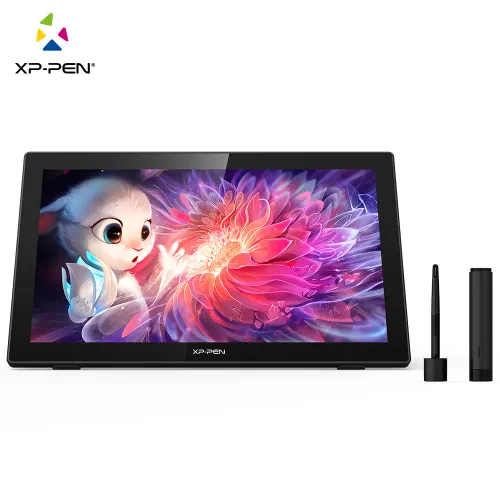
![https://resource.xp-pen.com/Uploads/ni/goods/20210107/eeba1b35198d15450088a1fc8c6a88b2_500_500.webp]()
![https://resource.xp-pen.com/Uploads/ni/goods/20210107/42ba9bc93d3d598e7c8f0275b3d3105b_500_500.webp]()
![https://resource.xp-pen.com/Uploads/ni/goods/20210107/88522fa71b9dadc77ce40dae27fd32ae_500_500.webp]()
![https://resource.xp-pen.com/Uploads/ni/goods/20210107/6d64ab6803c437c19fa24e73cfe41815_500_500.webp]()
![https://resource.xp-pen.com/Uploads/ni/goods/20210107/782db9fbd514b8af726777d388d15ff0_500_500.webp]()
![https://resource.xp-pen.com/Uploads/ni/goods/20210107/b003e6b781c3f5afcbfba83f00b83d72_500_500.webp]()
![https://resource.xp-pen.com/Uploads/ni/goods/20210107/1921981fab2f2e6c99fd891bc4bf768f_500_500.webp]()
![https://resource.xp-pen.com/Uploads/ni/goods/20210107/138ec14b8f20bf2822a5443ad16cfeb4_500_500.webp]()
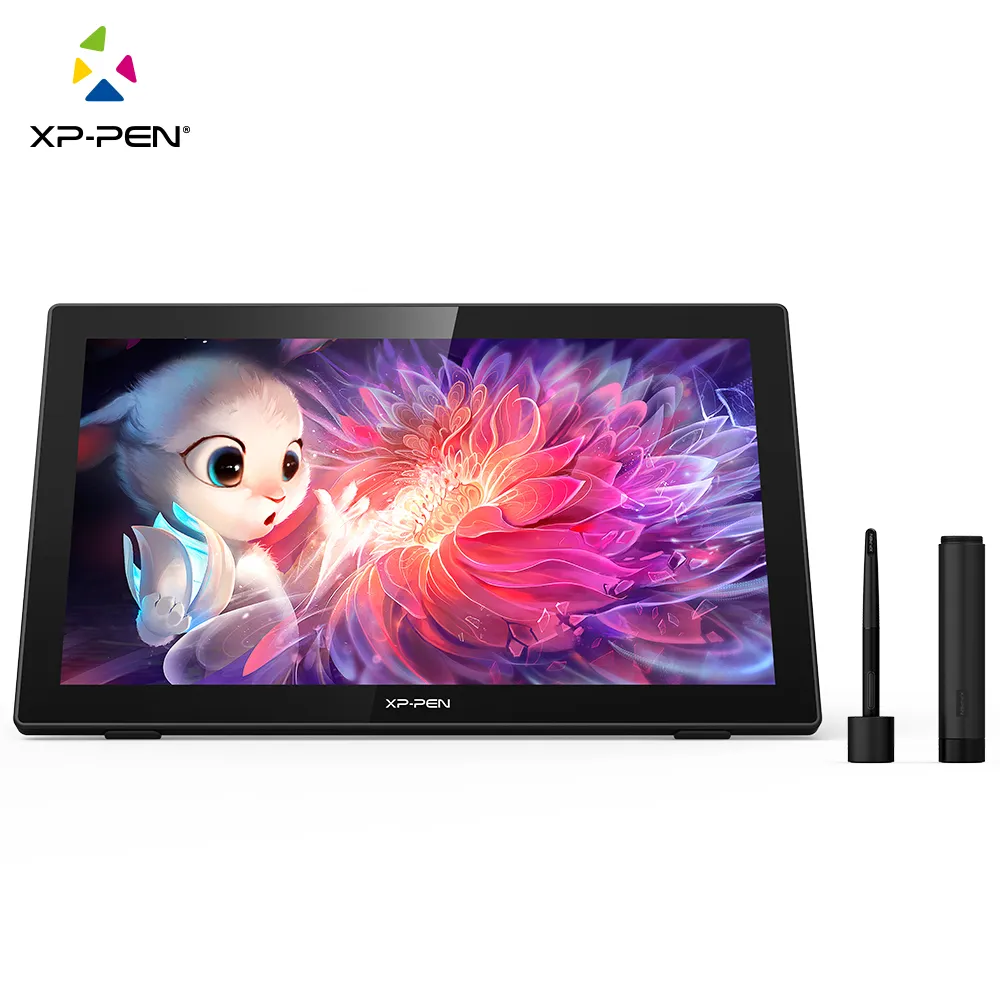
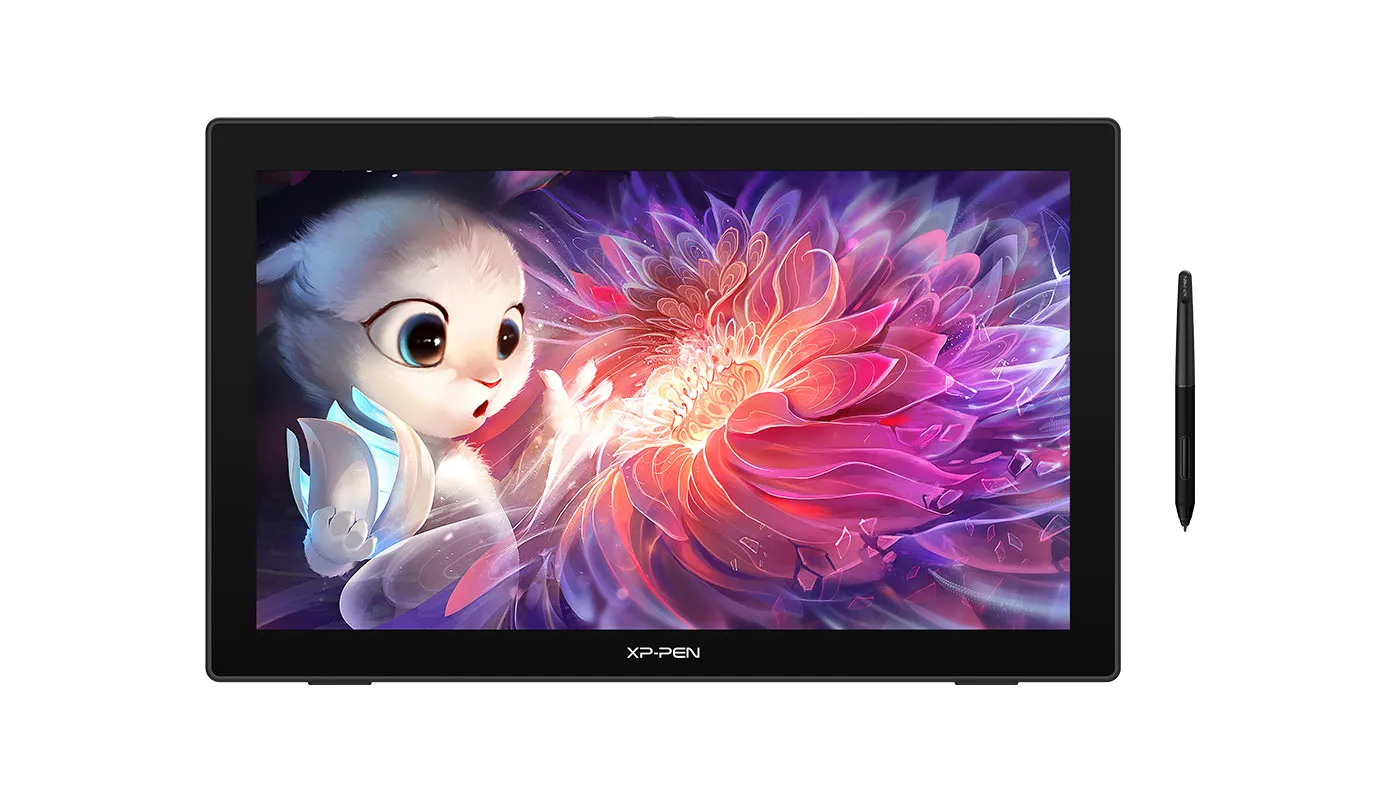
Artist 22 (2nd Generation)
21.5-inch display, Adobe® RGB≥90%,sRGB≥122% Supports a USB-C to USB-C connection, 8192 levels of pressure sensitivity
$629.99$699.99
SAFE DELIVERY
We offer various of shipping
SECURE PAYMENT
Your payment information is processed securely
TECH SUPPORT
service@xp-pen.com
18-MONTH WARRANTY
18-month warranty (Excluding accessories)
ESSENTIAL_ACCESSORIES
Quantity:
Total
$0.00



Estimate:


Bigger screen, better vision
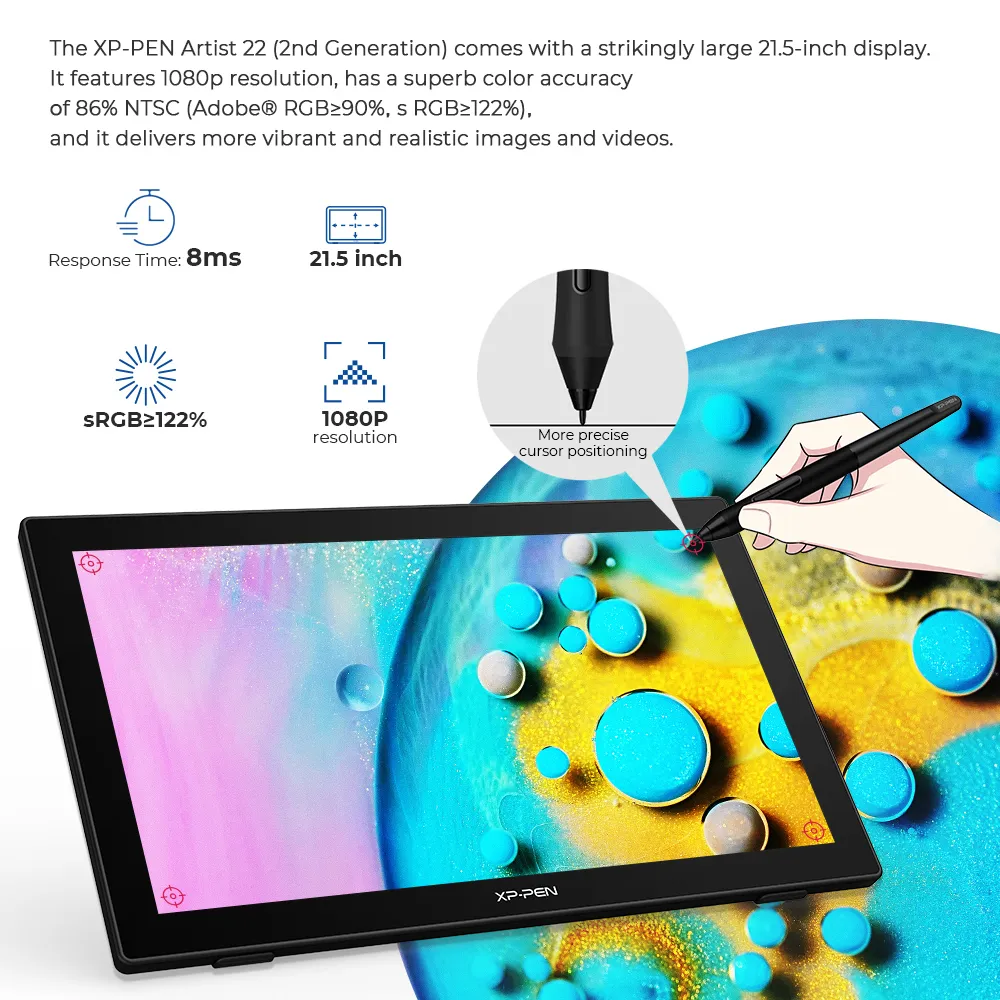
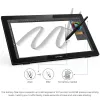
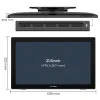
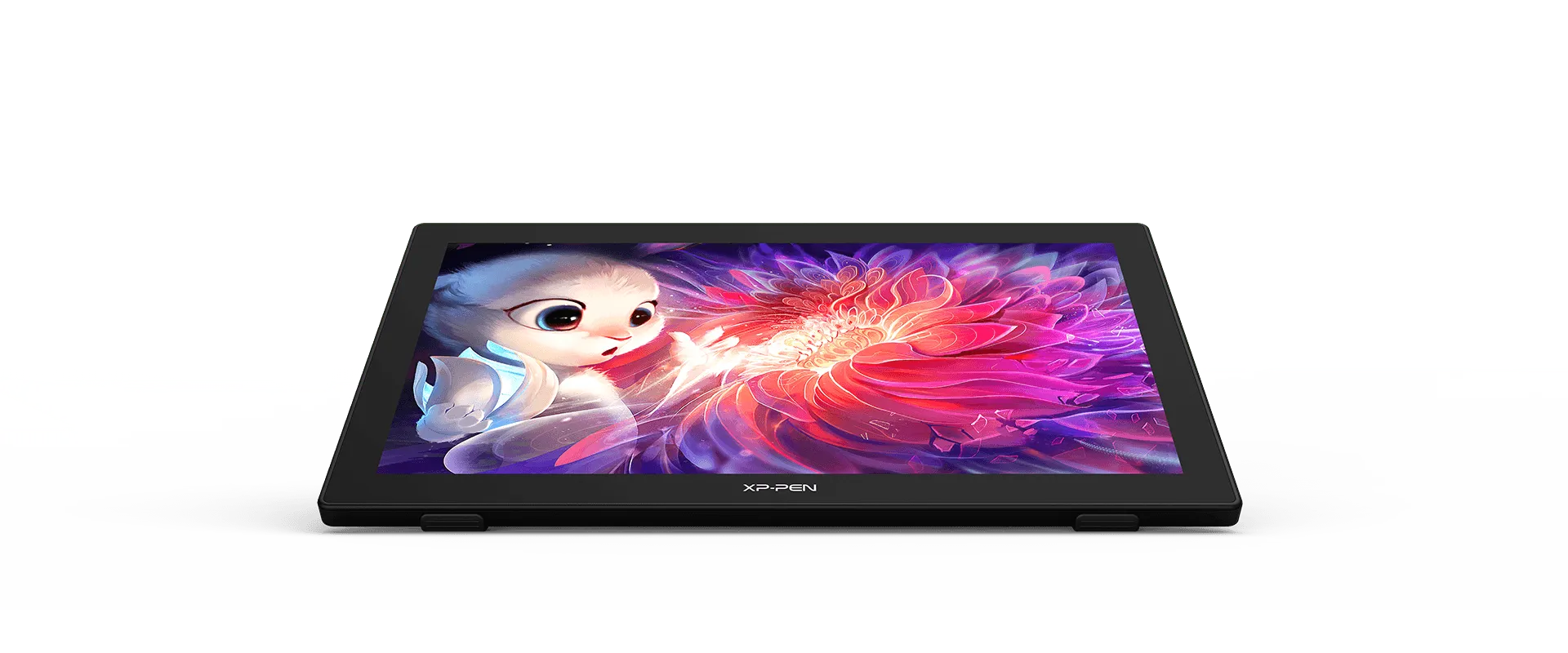
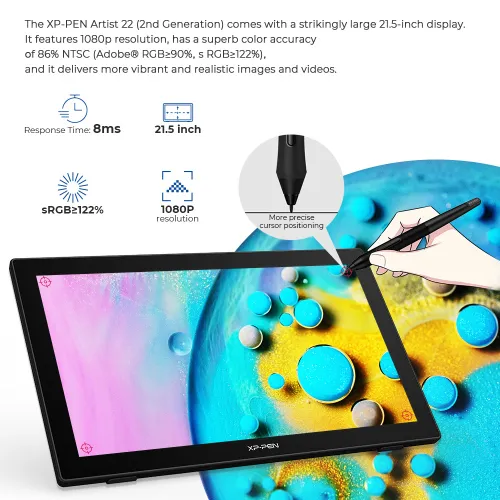
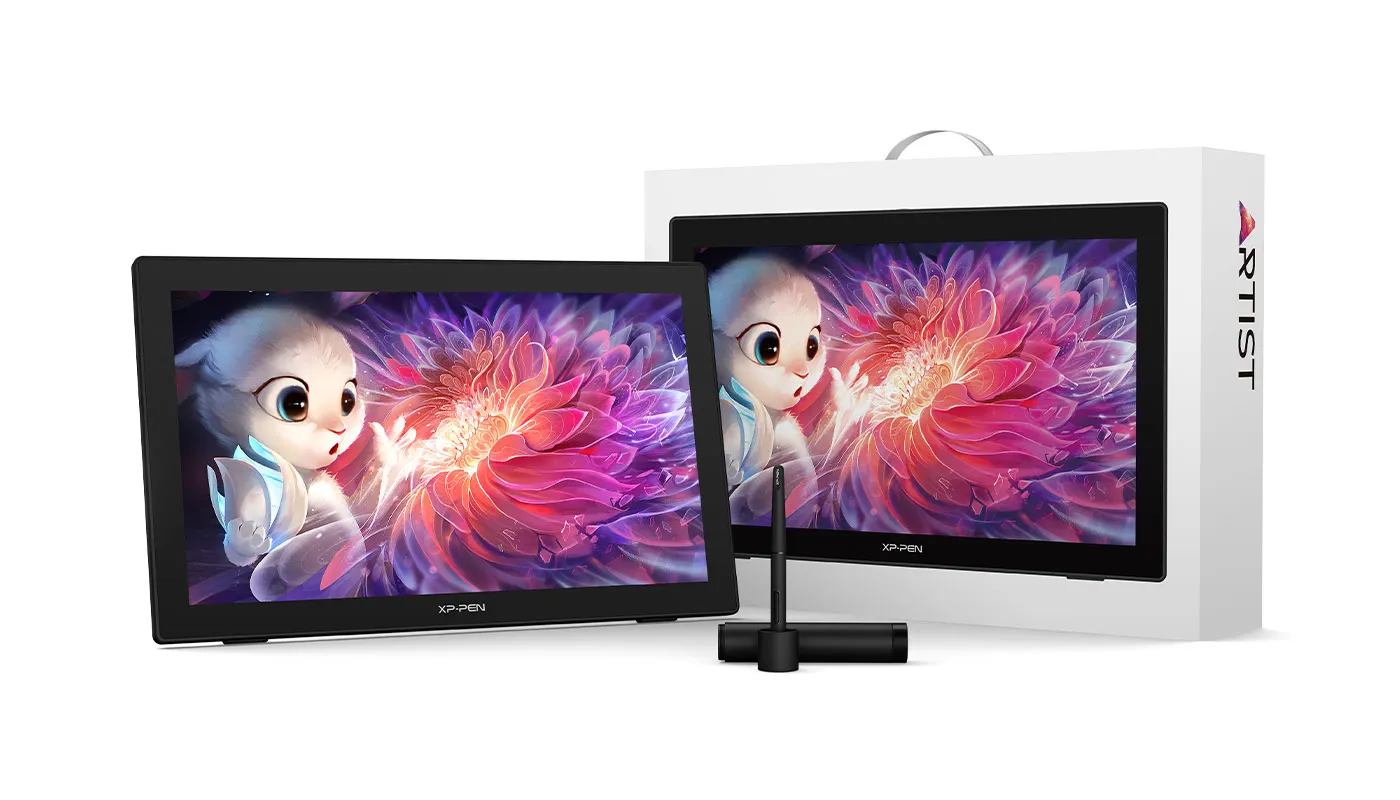
The XP-PEN Artist 22 (2nd Generation) comes with a strikingly large 21.5-inch display. It features 1080p resolution, has a superb color accuracy of 86% NTSC (Adobe® RGB≥90%,sRGB≥122%), and it delivers more vibrant and realistic images and videos.

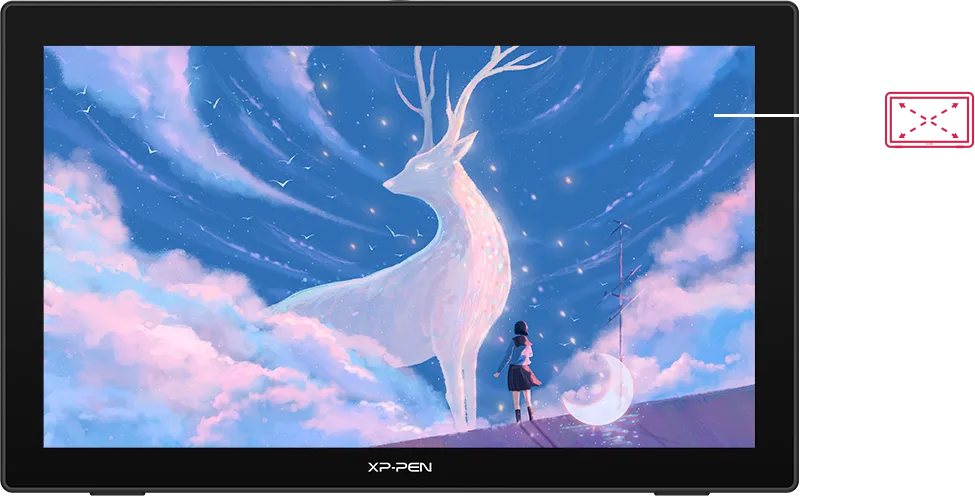
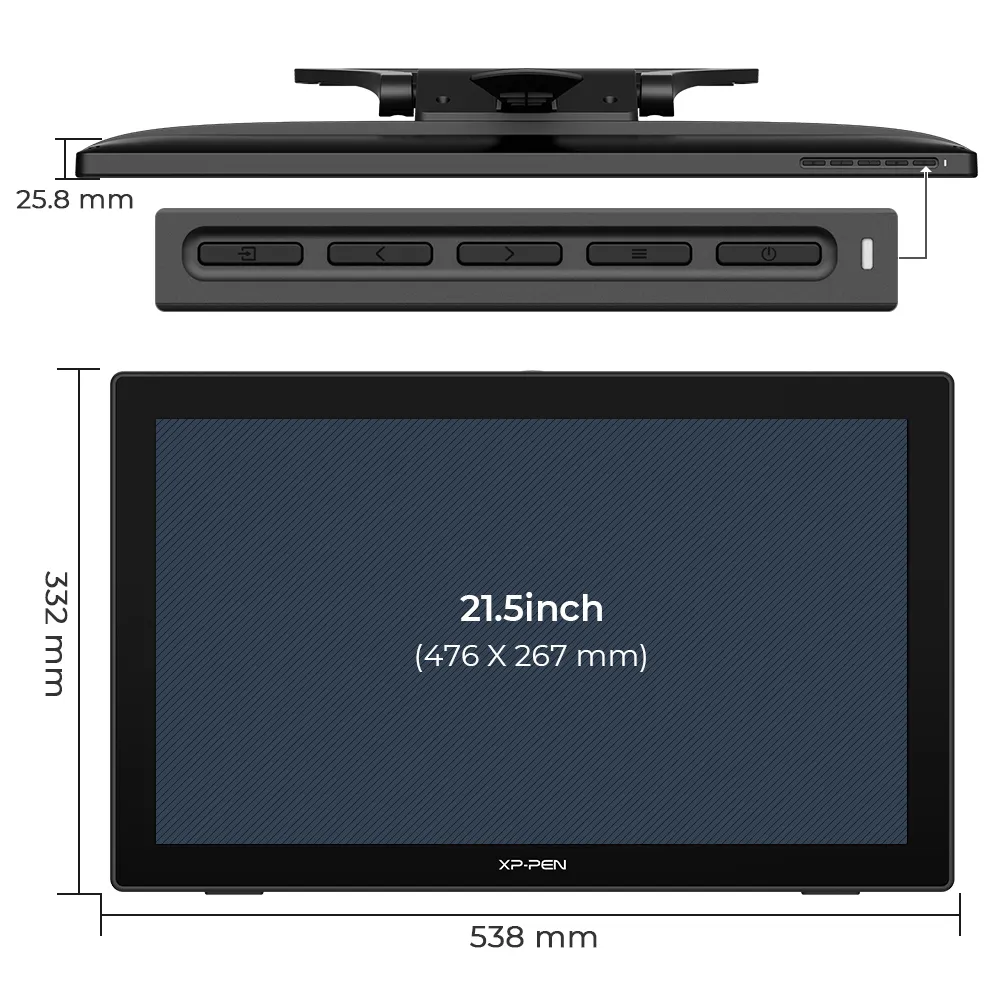
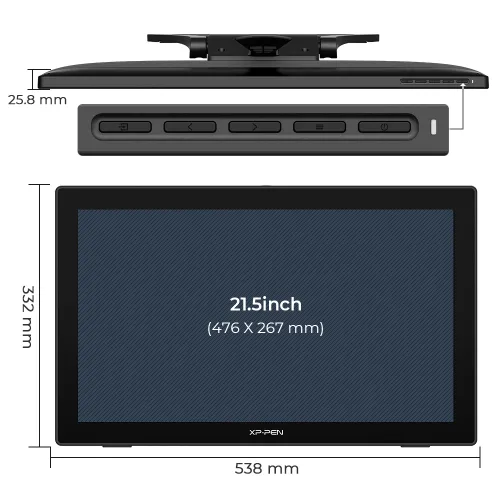
21.5 inch
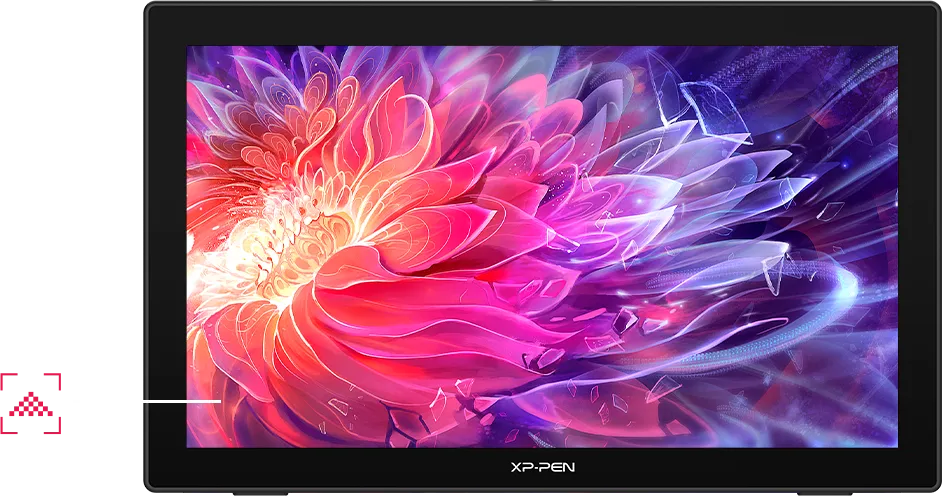
1080P resolution
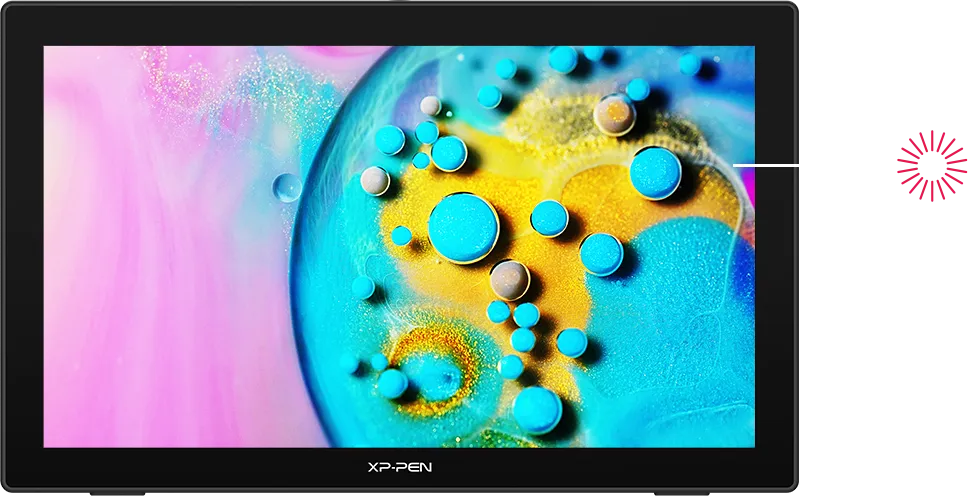
sRGB≥122%
Easy and fast connection
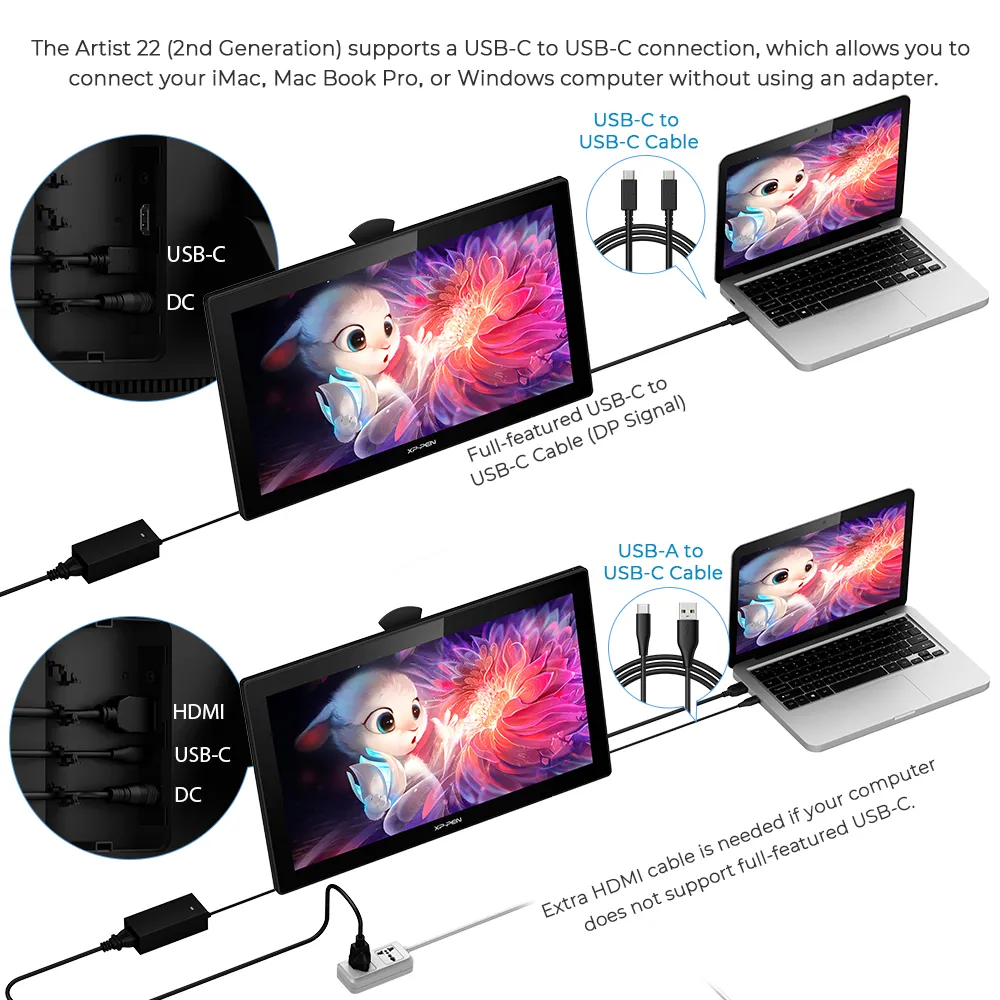
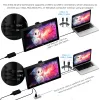
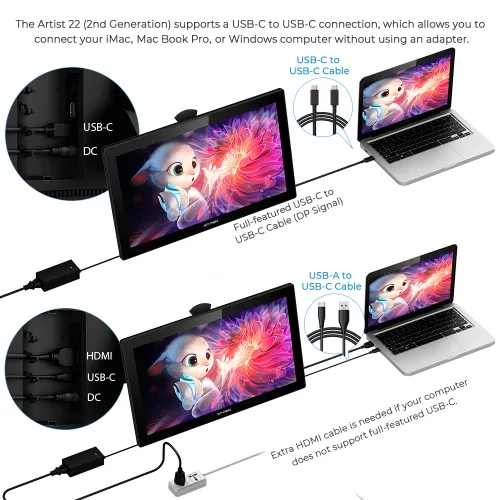
The XP-PEN Artist 22 (2nd Generation) supports a USB-C to USB-C connection, which allows you to connect your iMac, Mac Book Pro, or Windows computer without using an adapter.
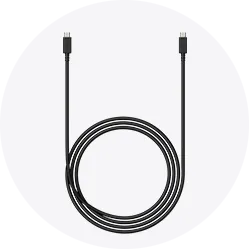

Enhance your drawing experience
With better accuracy, the Artist 22 (2nd Generation) lets you draw with more precise cursor positioning, even at the four corners. This ensures a satisfying drawing experience.
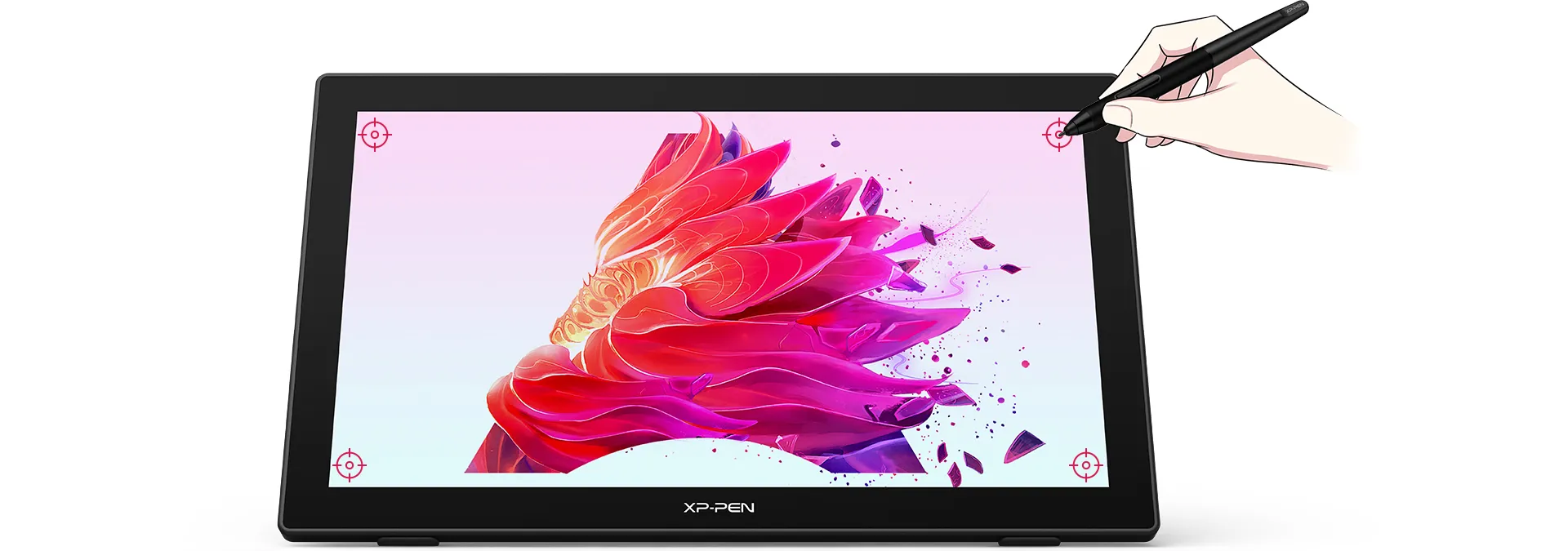
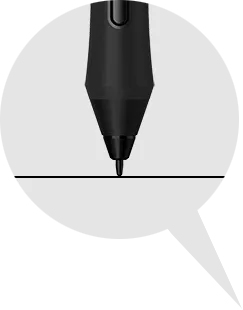
More precise
cursor positioning
Sync your creativity
With a response time of 8ms, it responds nimbly to any pen movement and ensures the swift and smooth presentation of every line and stroke input onto the screen, bringing you a familiar drawing experience.
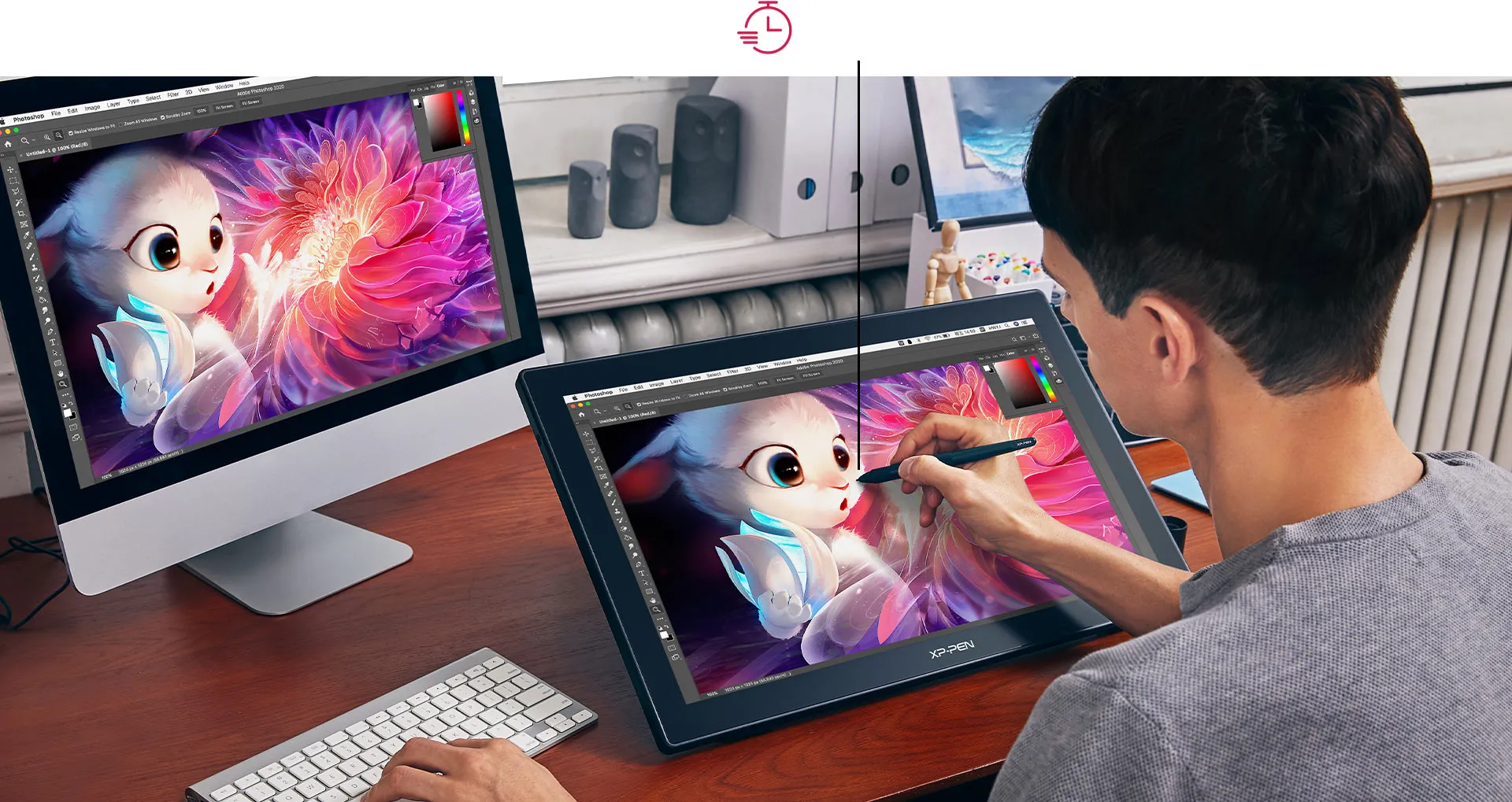
Response Time: 8ms
Always ready for your inspiration flow
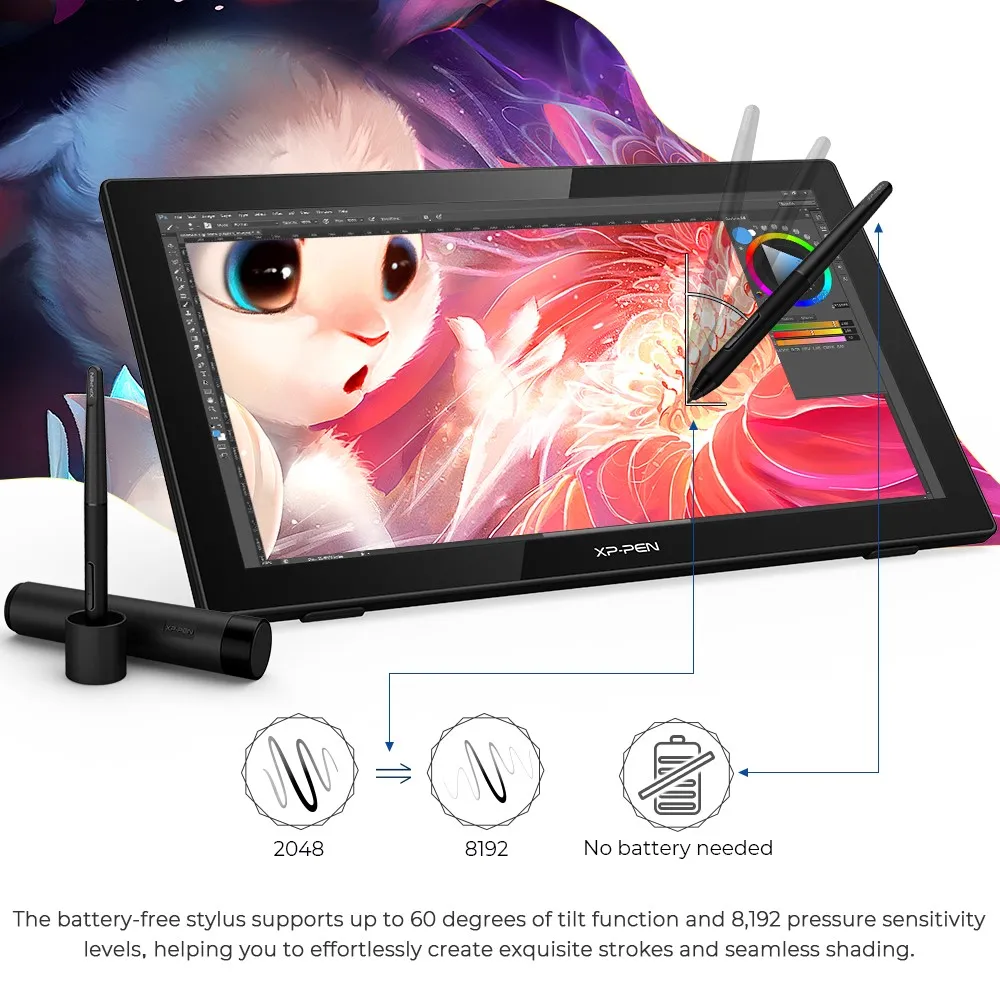
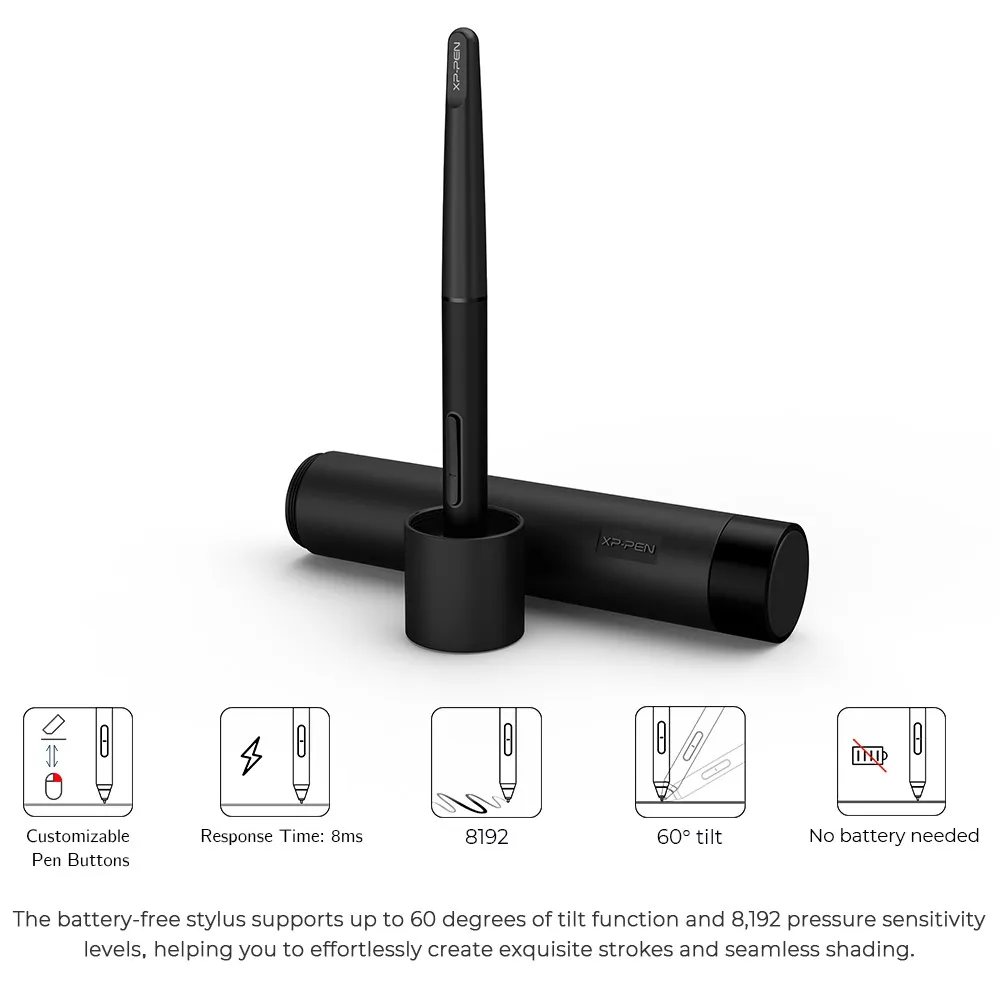
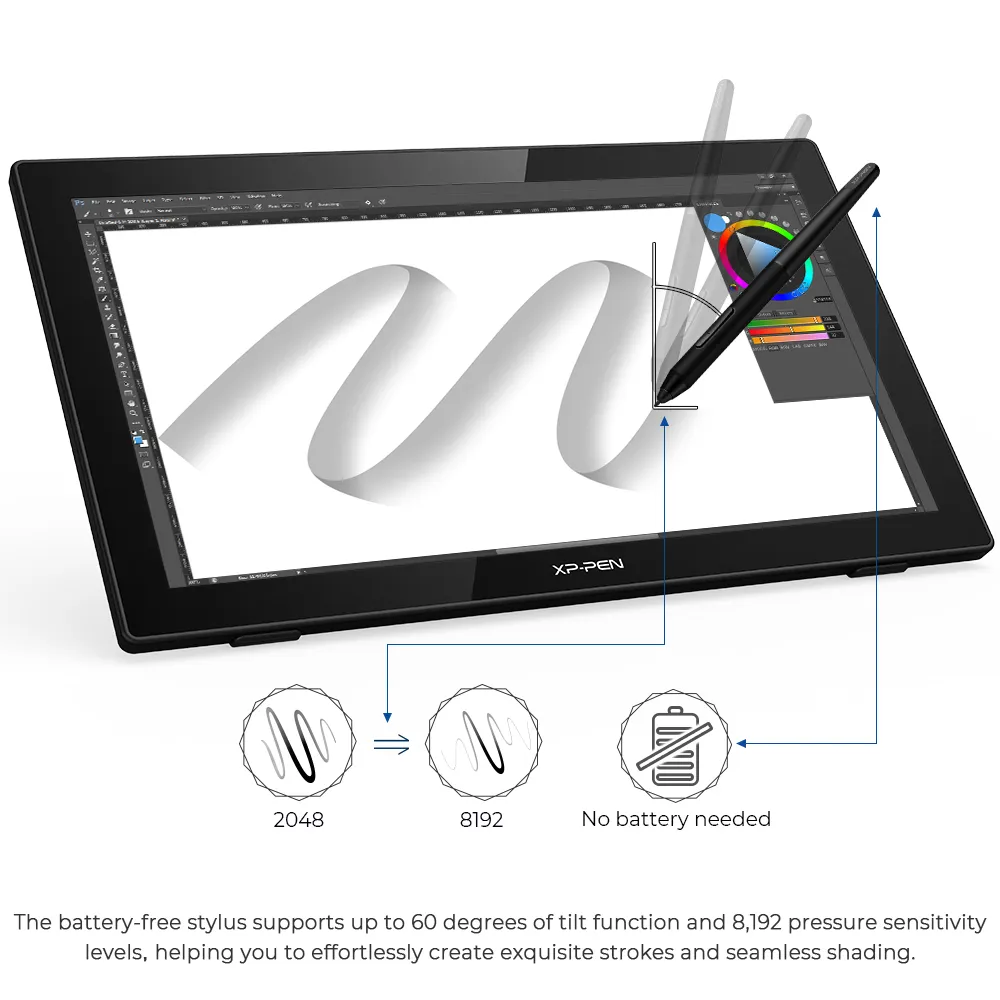
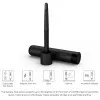
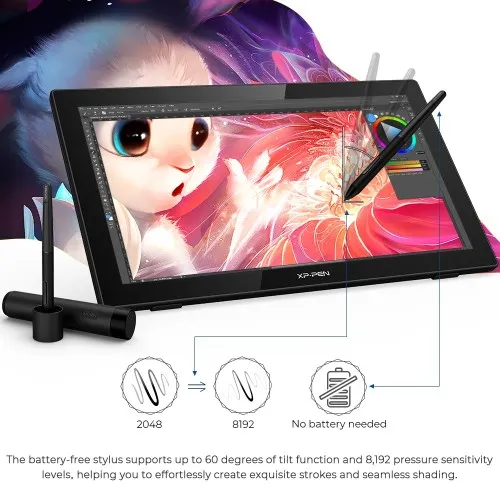
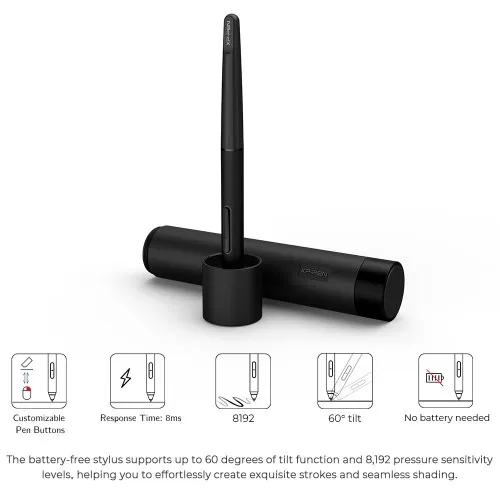
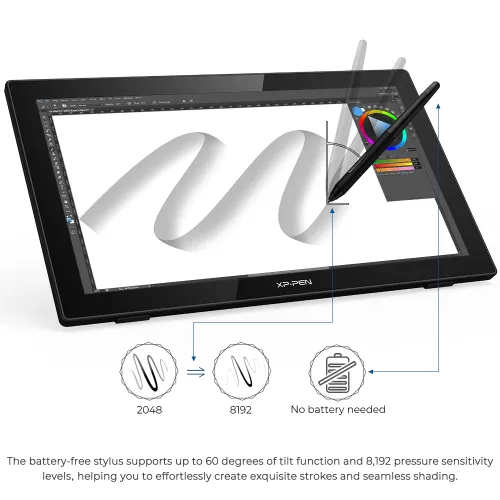
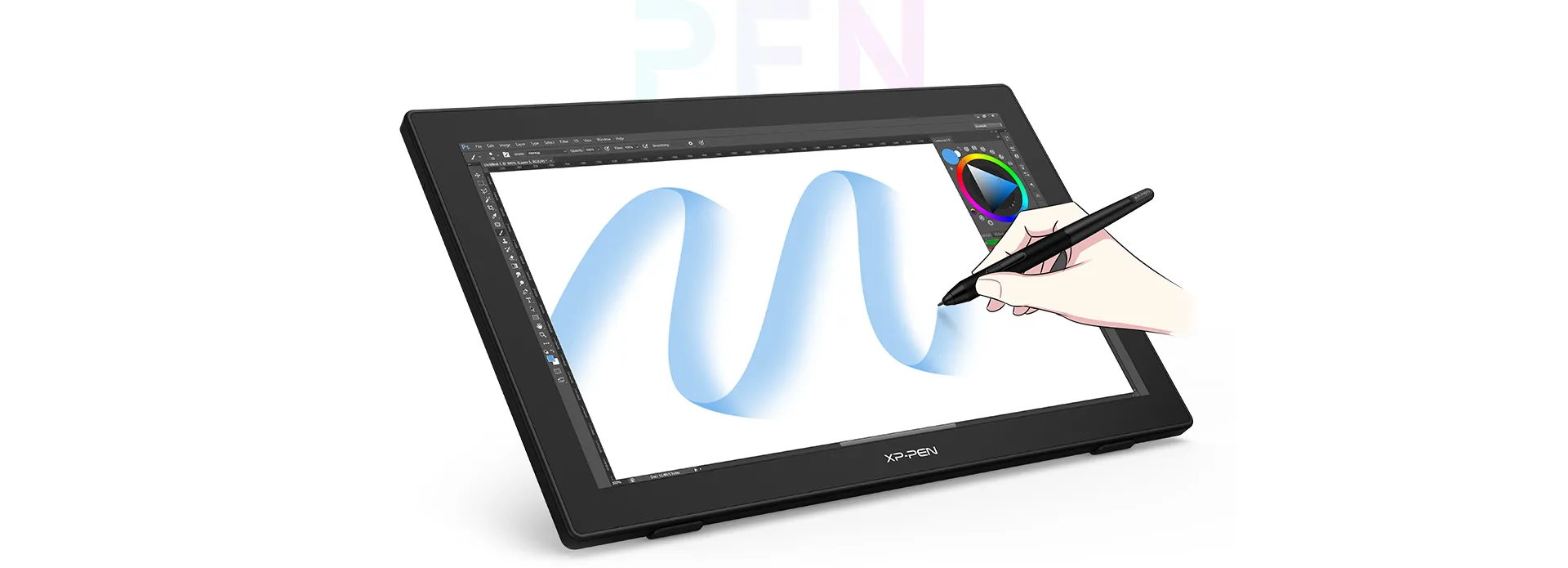
The battery-free stylus supports up to 60 degrees of tilt function and 8,192 pressure sensitivity levels, helping you to effortlessly create exquisite strokes and seamless shading.

More possibility, more fun
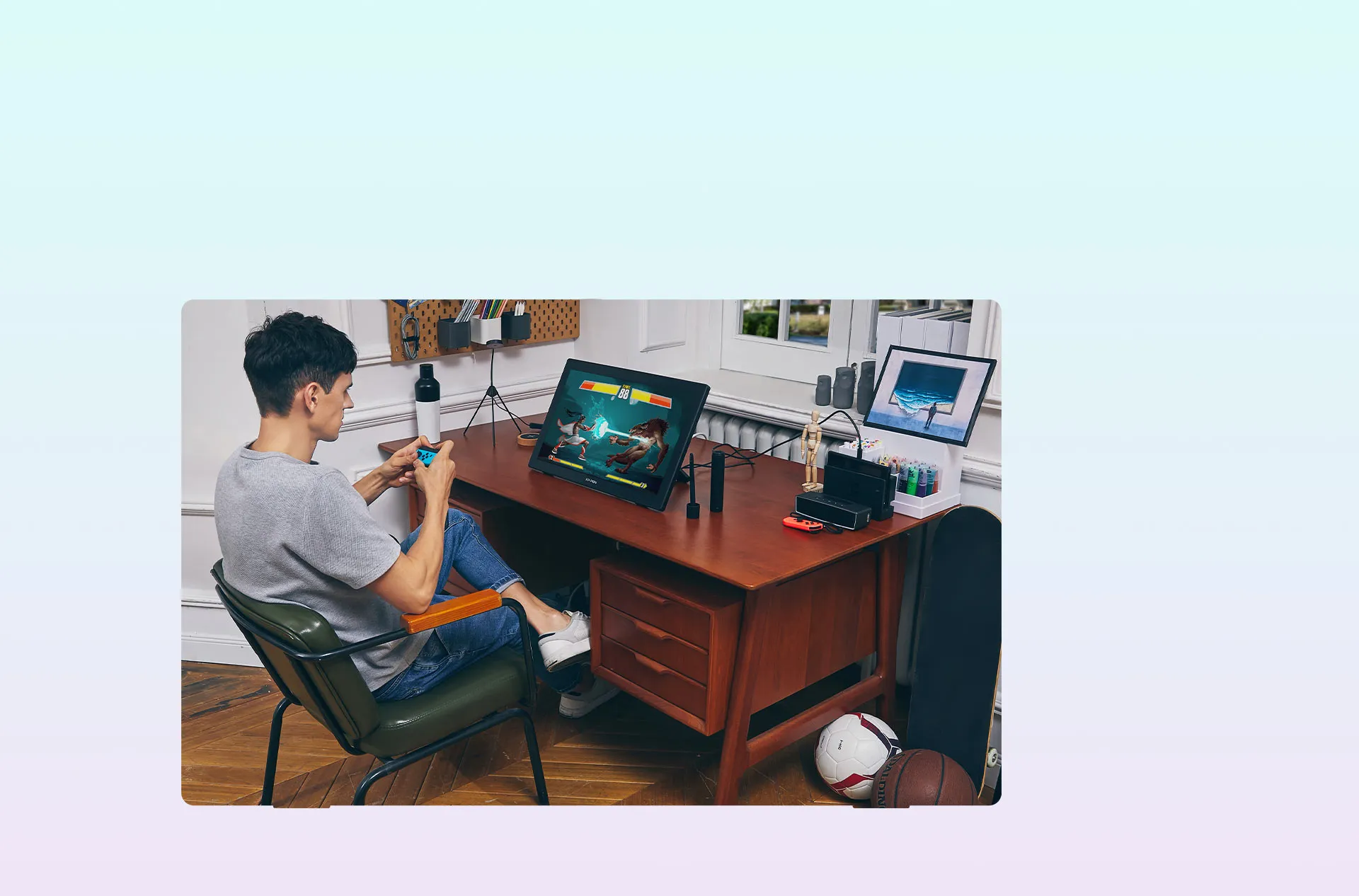
By connecting your full-featured USB-C supported Android phone to the Artist 22 (2nd Generation), you can project your phone screen onto a bigger display, which enables you to watch shows, play games, and listen to music easily.
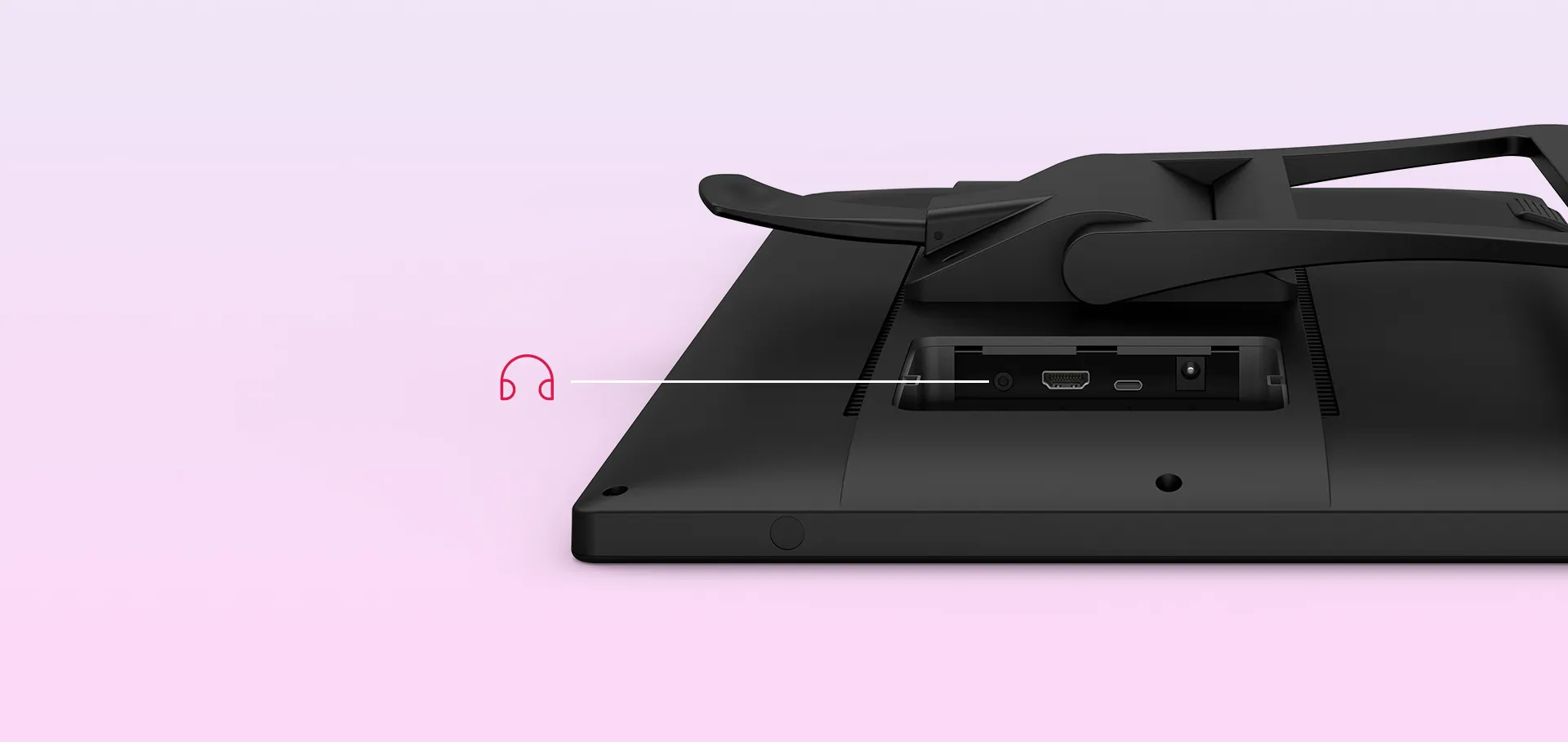
Headphone Jack
Adapts to you
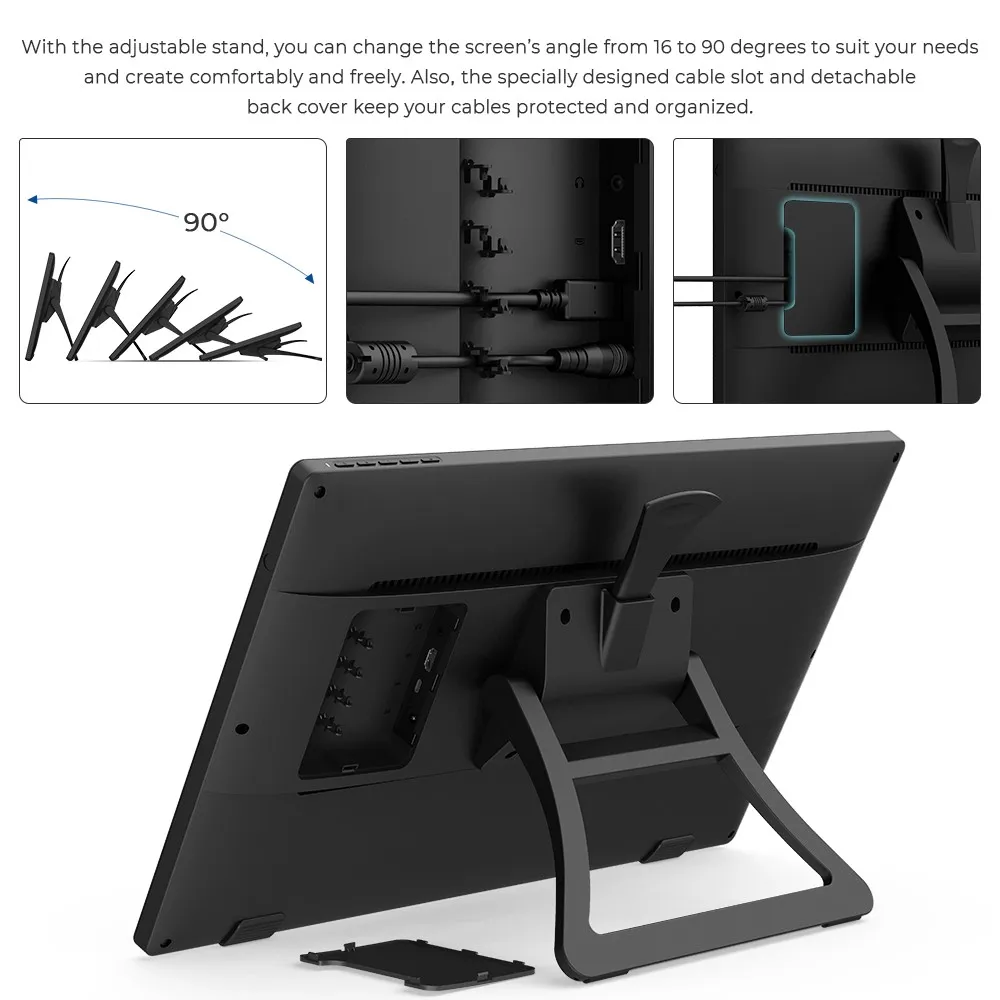
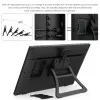
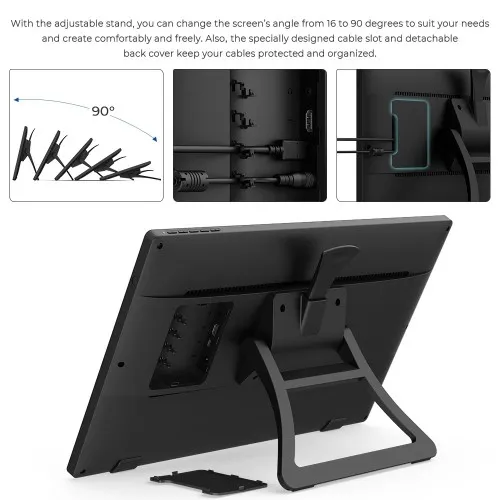
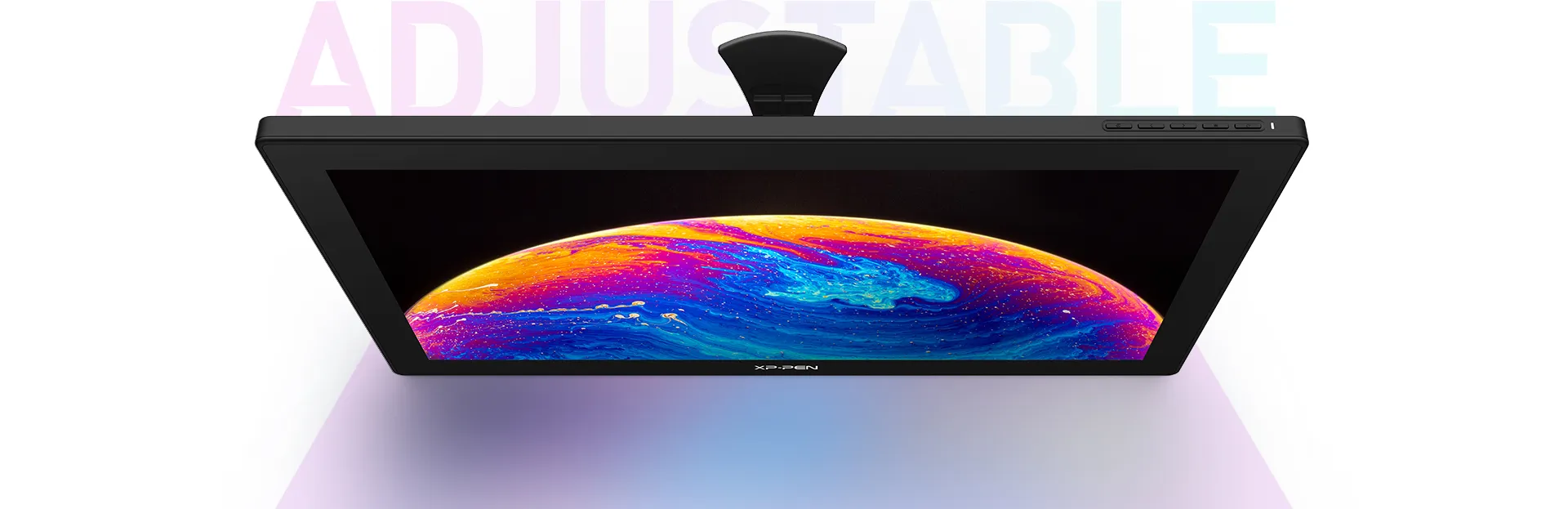
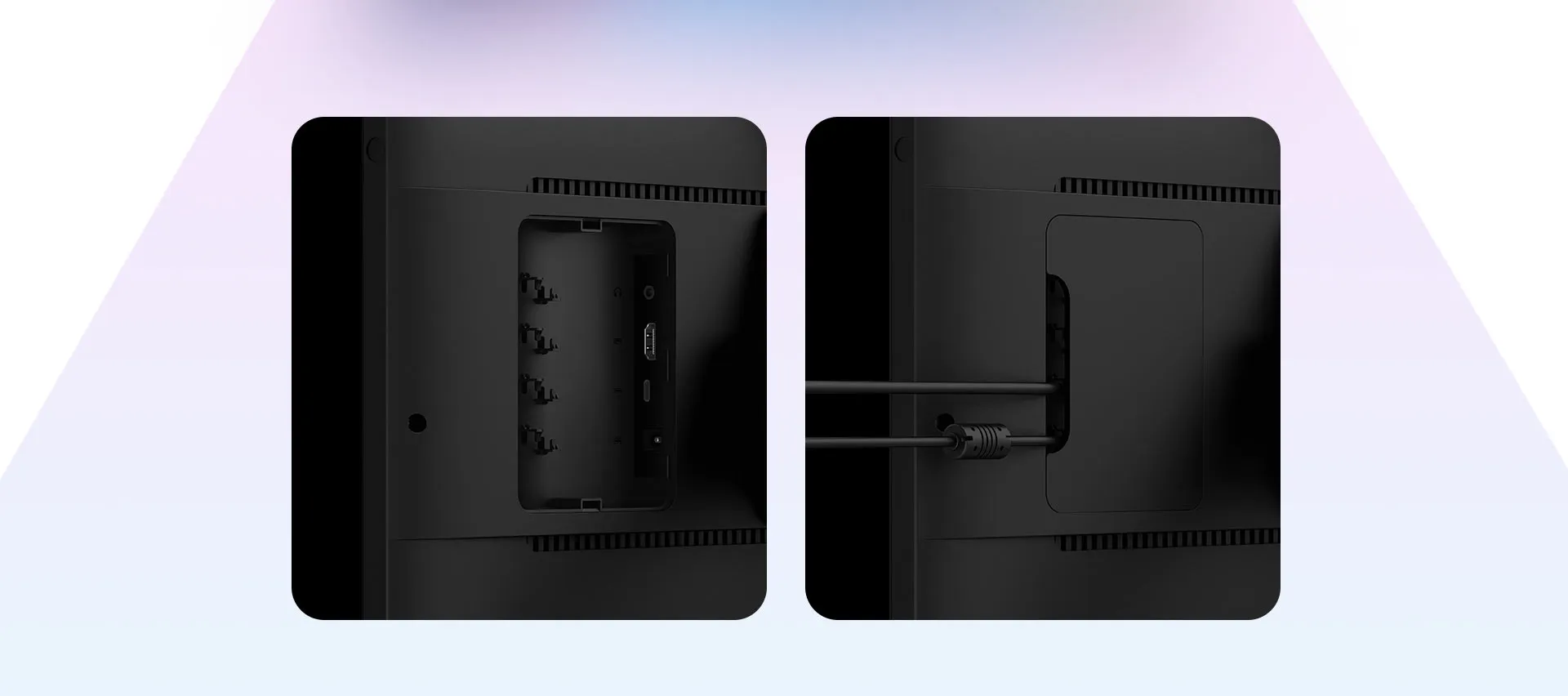
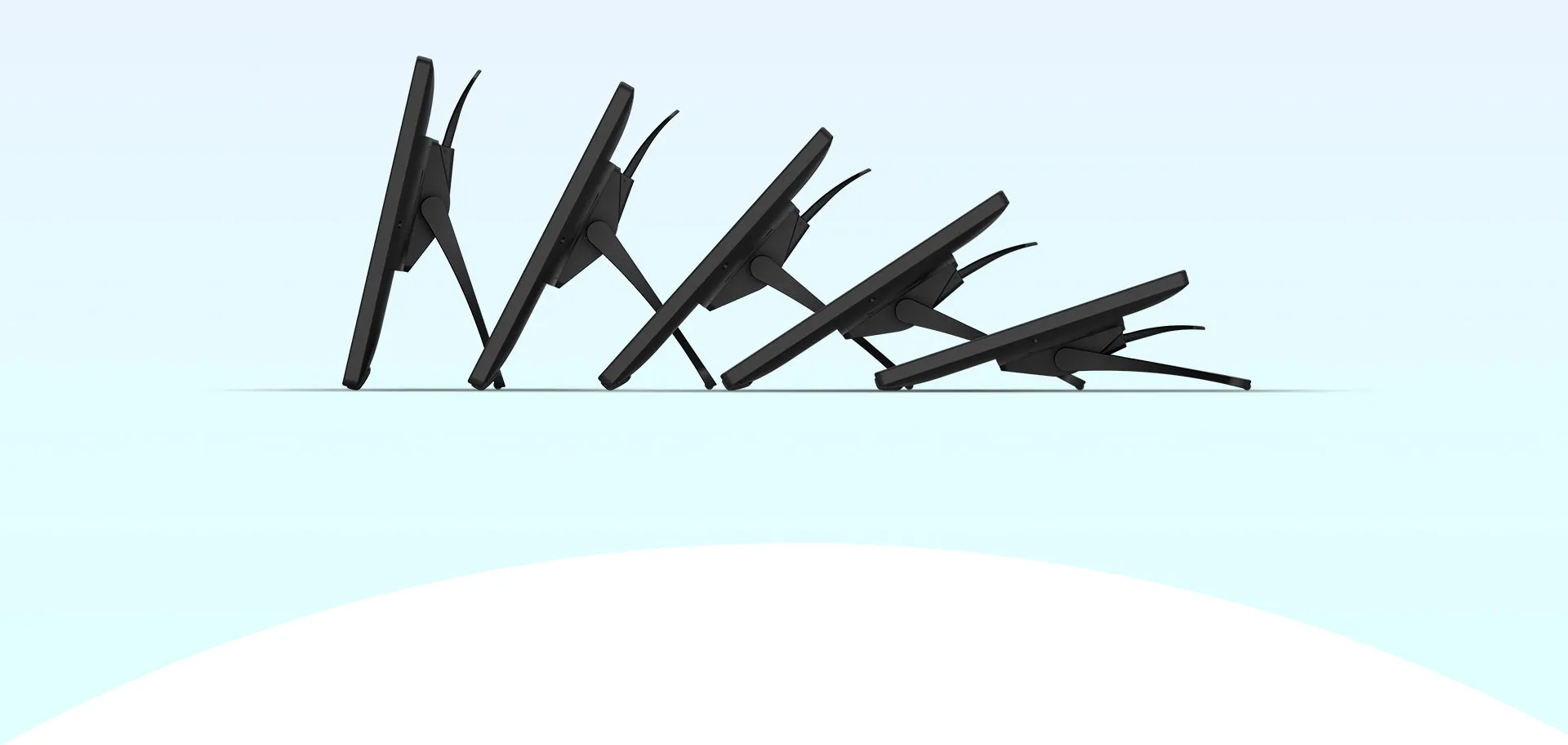
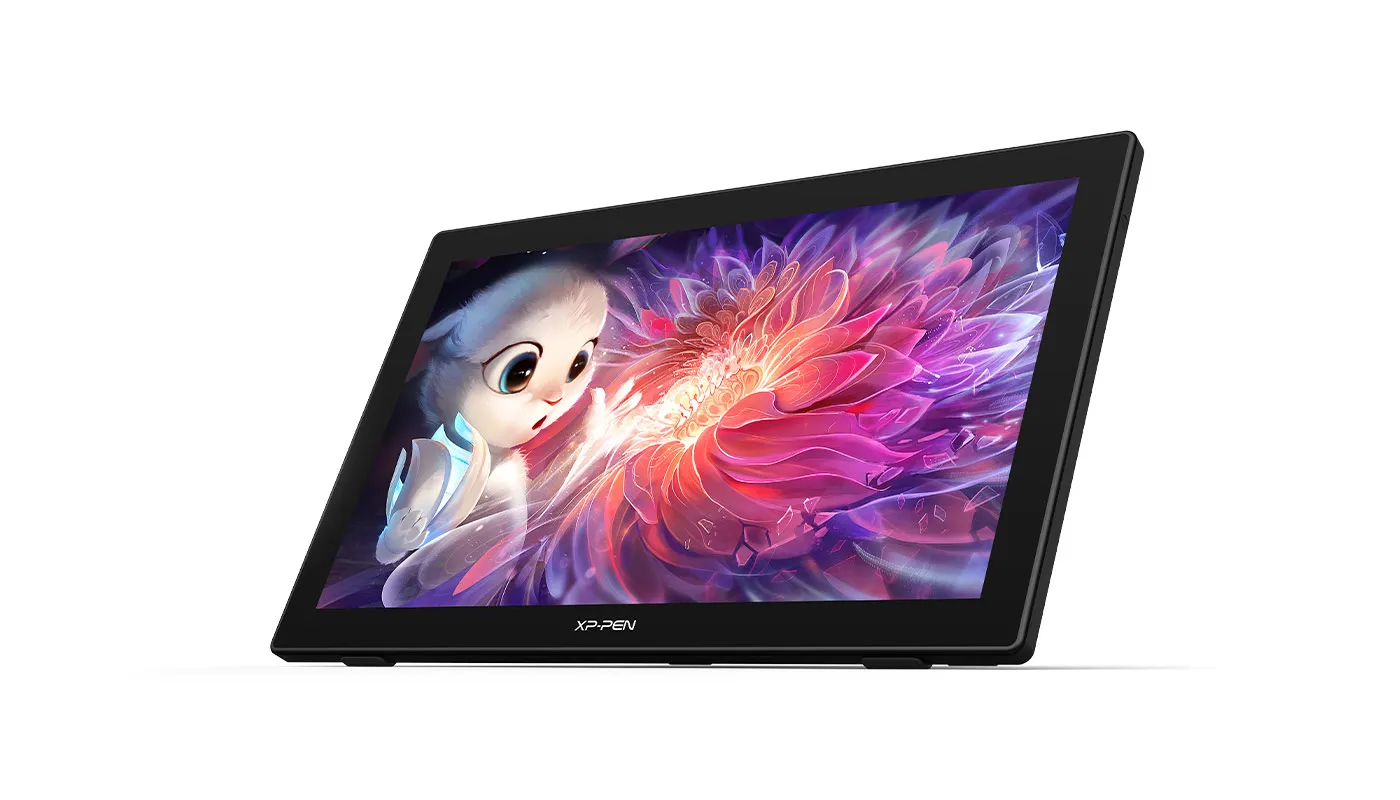
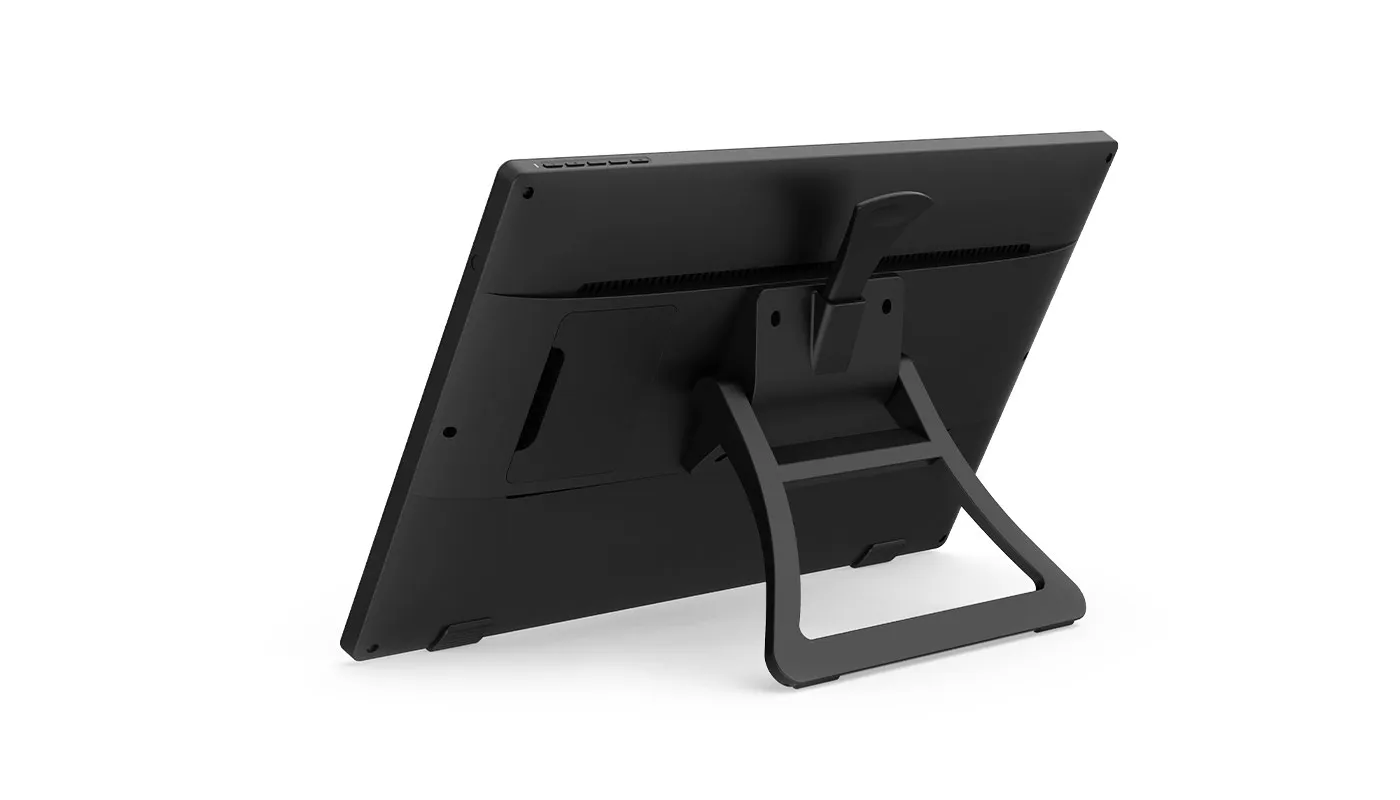
With the adjustable stand, you can change the screen's angle from 16 to 90 degrees to suit your needs and create comfortably and freely. Also, the specially designed cable slot and detachable back cover keep your cables protected and organized.
Extensive compatibility
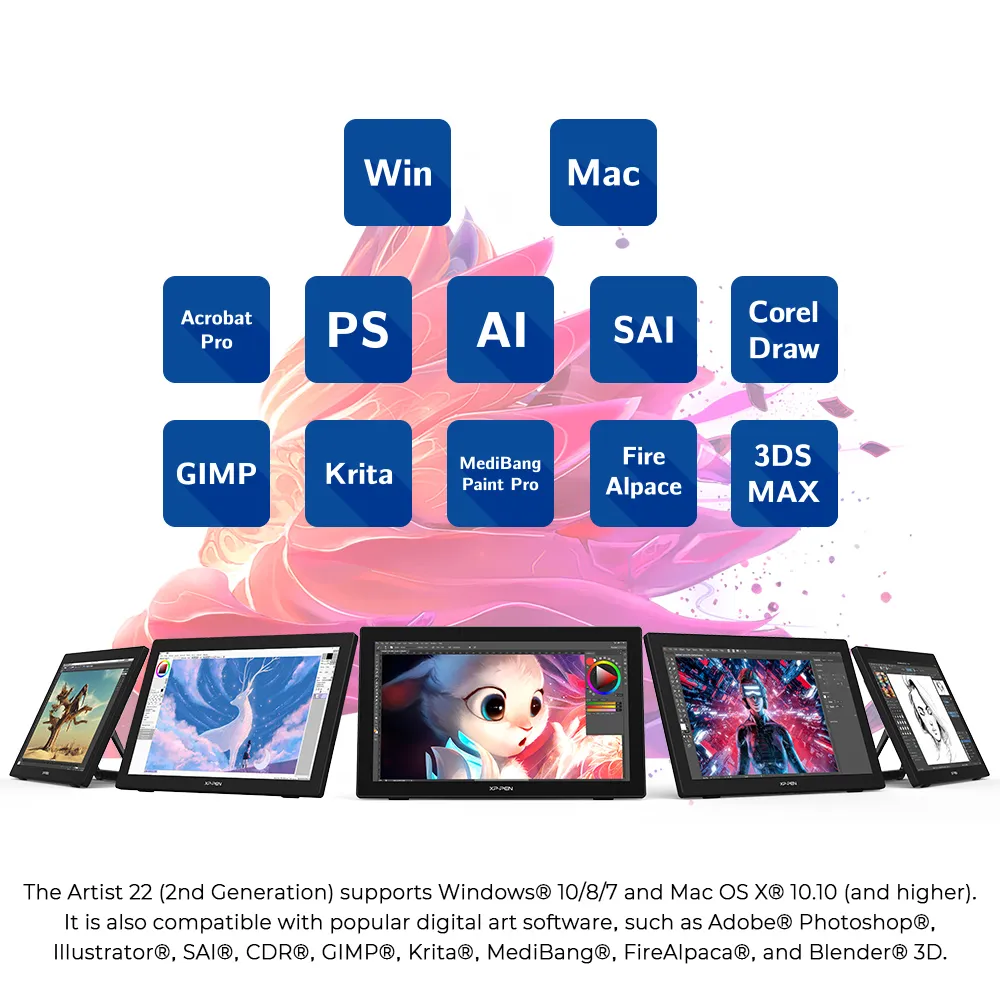
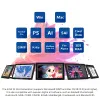
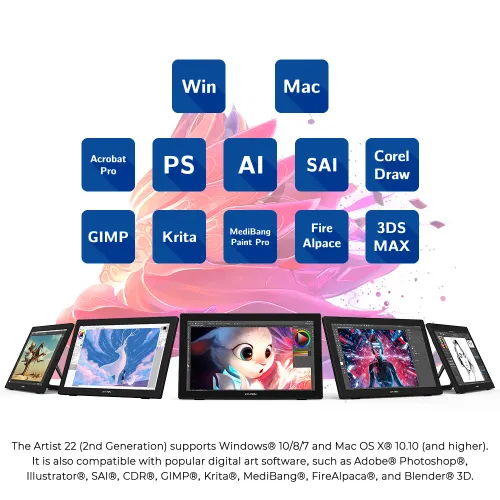
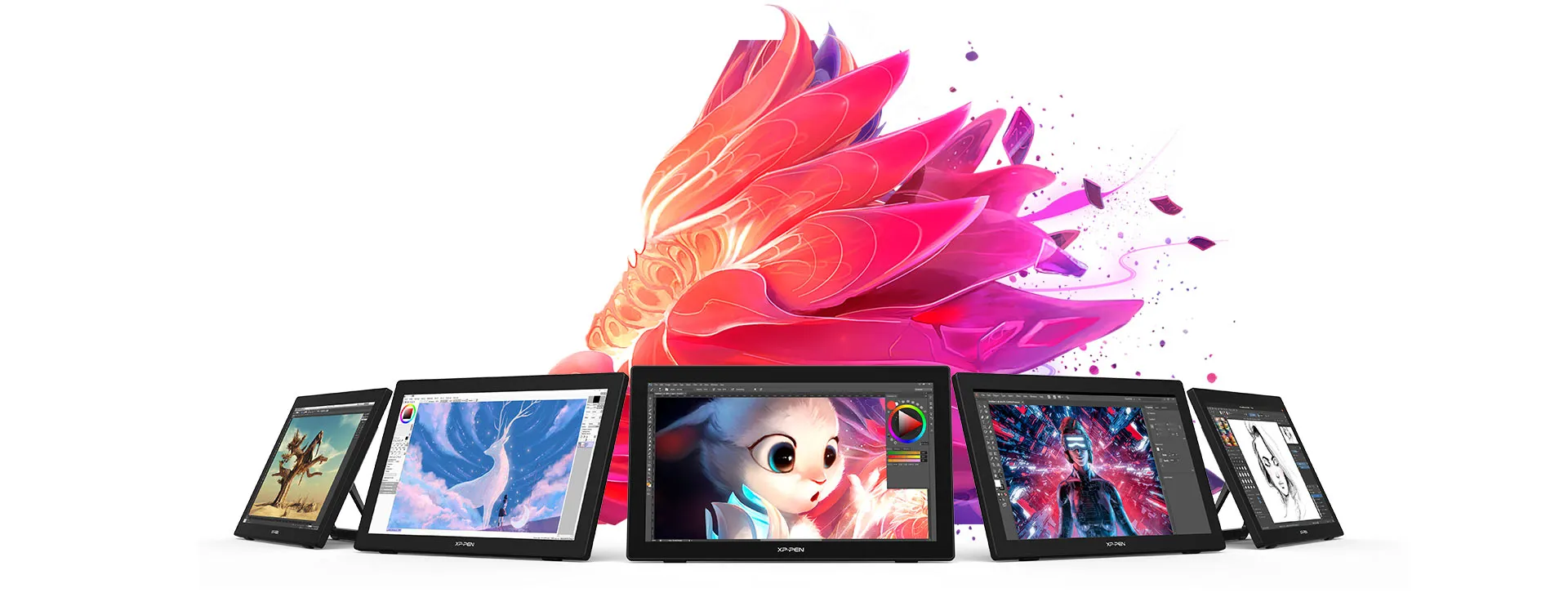
The Artist 22 (2nd Generation) supports Windows® 10/8/7, Linux (Detailed versions) and Mac OS X® 10.10 (and higher). It is also compatible with popular digital art software, such as Adobe® Photoshop®, Illustrator®, SAI®, CDR®, GIMP®, Krita®, MediBang®, FireAlpaca®, and Blender® 3D.
Product Gallery

/22(2nd-6.webp)


Specifications
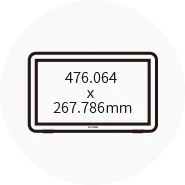
Dimensions
538 x 332 x 25.8mm
Display Resolution
1920 x 1080

Battery-free
Tilt: 60°

86% NTSC, Adobe® RGB≥90%, sRGB≥122%

Response Time
8ms
Show more

| Linux OS | Version | Package Format | Supported Software |
| Arch | Arch Linux2019.12.01(64-bit) | .deb, .sh | GIMP, Krita |
| Centos | Centos7.0(64-bit) | .rpm, .sh | GIMP |
| Centos8(64-bit) | .rpm, .sh | GIMP, Krita | |
| Debian | debian-9.5.0-amd64-netinst(64-bit) | .deb, .sh | GIMP, Krita |
| elementary OS | elementary OS 5.0(64-bit) | .deb, .sh | GIMP, Krita |
| ezgo Linux | ezgo14(64-bit) | .deb, .sh | GIMP, Krita |
| Fedora | Fedora32(64-bit) | .rpm, .sh | GIMP, Krita |
| Mageia | Mageia-7.1(64-bit) | .rpm, .sh | GIMP, Krita |
| Manjaro | manjaro-xfce-20.1.2-201019(64-bit) | .deb, .sh | GIMP |
| Mint | linuxmint-18.2-cinnamon-64bit | .deb, .sh | GIMP, Krita |
| OpenSUSE | openSUSE-Tumbleweed(64-bit) | .rpm, .sh | GIMP, Krita |
| Pop!_OS | pop-os_19.10(64-bit) | .deb, .sh | GIMP, Krita |
| Red Hat | Red Hat7(64-bit) | .rpm, .sh | GIMP |
| Ubuntu | Ubuntu14.04(64-bit) | .deb, .sh | GIMP, Krita |
| Ubuntu16.04(64-bit) | .deb, .sh | GIMP, Krita | |
| Ubuntu17.04(64-bit) | .deb, .sh | GIMP, Krita | |
| Ubuntu18.04(64-bit) | .deb, .sh | GIMP, Krita | |
| Ubuntu19.04(64-bit) | .deb, .sh | GIMP, Krita | |
| Ubuntu20.04(64-bit) | .deb, .sh | GIMP, Krita |
| Function | Krita 4.3.0 | Gimp 2.10.20 | Inkscape 0.92 |
| Pen Pressure Sensitivity | |||
| Tilt | |||
| Mouse Function | |||
| Eraser Button (Stylus:PH01, P06) | |||
| Switch between Pen and Eraser Modes | |||
| *If you have any further queries, please do not hesitate to contact us at service@xp-pen.com. | |||
Linux OS
Arch
Version
Arch Linux2019.12.01(64-bit)
Package Format
.deb, .sh
Supported Software
GIMP, Krita
Centos
Version
Centos7.0(64-bit)
Centos8(64-bit)
Centos8(64-bit)
Package Format
.rpm, .sh
.rpm, .sh
.rpm, .sh
Supported Software
GIMP
GIMP, Krita
GIMP, Krita
Debian
Version
debian-9.5.0-amd64-netinst(64-bit)
Package Format
.deb, .sh
Supported Software
GIMP, Krita
elementary OS
Version
elementary OS 5.0(64-bit)
Package Format
.deb, .sh
Supported Software
GIMP, Krita
ezgo Linux
Version
ezgo14(64-bit)
Package Format
.deb, .sh
Supported Software
GIMP, Krita
Fedora
Version
Fedora32(64-bit)
Package Format
.rpm, .sh
Supported Software
GIMP, Krita
Mageia
Version
Mageia-7.1(64-bit)
Package Format
.rpm, .sh
Supported Software
GIMP, Krita
Manjaro
Version
manjaro-xfce-20.1.2-201019(64-bit)
Package Format
.deb, .sh
Supported Software
GIMP
Mint
Version
linuxmint-18.2-cinnamon-64bit
Package Format
.deb, .sh
Supported Software
GIMP, Krita
OpenSUSE
Version
openSUSE-Tumbleweed(64-bit)
Package Format
.rpm, .sh
Supported Software
GIMP, Krita
Pop!_OS
Version
pop-os_19.10(64-bit)
Package Format
.deb, .sh
Supported Software
GIMP, Krita
Red Hat
Version
Red Hat7(64-bit)
Package Format
.rpm, .sh
Supported Software
GIMP
Ubuntu
Version
Ubuntu14.04(64-bit)
Ubuntu16.04(64-bit)
Ubuntu17.04(64-bit)
Ubuntu18.04(64-bit)
Ubuntu19.04(64-bit)
Ubuntu20.04(64-bit)
Ubuntu16.04(64-bit)
Ubuntu17.04(64-bit)
Ubuntu18.04(64-bit)
Ubuntu19.04(64-bit)
Ubuntu20.04(64-bit)
Package Format
.deb, .sh
.deb, .sh
.deb, .sh
.deb, .sh
.deb, .sh
.deb, .sh
.deb, .sh
.deb, .sh
.deb, .sh
.deb, .sh
.deb, .sh
Supported Software
GIMP, Krita
GIMP, Krita
GIMP, Krita
GIMP, Krita
GIMP, Krita
GIMP, Krita
GIMP, Krita
GIMP, Krita
GIMP, Krita
GIMP, Krita
GIMP, Krita
Function
Pen Pressure Sensitivity
Krita 4.3.0
Gimp 2.10.20
Inkscape 0.92
Tilt
Krita 4.3.0
Gimp 2.10.20
Inkscape 0.92
Mouse Function
Krita 4.3.0
Gimp 2.10.20
Inkscape 0.92
Eraser Button(Stylus:PH01, P06)
Krita 4.3.0
Gimp 2.10.20
Inkscape 0.92
Switch between Penand Eraser Modes
Krita 4.3.0
Gimp 2.10.20
Inkscape 0.92
*If you have any further queries, please do not hesitate to contact us at service@xp-pen.com.
3.0


Based on 3
0(0)
33%(1)
33%(1)
33%(1)
0(0)
Mohammed Al Mamri
Feb 28 ,2021 PM 20:06 Artist 22 (2nd Generation)
test
Currently testing the product, for now is doing good,need further testing since it first time for me to use graphics display.One issues face i am not able to connect using usb-c(the issue related to hardware i have not to graphics display).
Useful(0)+1
XFANSe2ar0htt
Aug 13 ,2022 AM 11:42 Artist 22 (2nd Generation)
It is worth the evaluation and purchase, and the Clip studio program is useful
It is the best and easiest to draw in your life, but this is the first time I have bought a tablet with a screen and not only this is even better than the iPad Pro, it deserves a 3.5/5 rating
Useful(1)+1
Bablu
Sep 19 ,2023 PM 16:57 Artist 22 (2nd Generation)
Products has very heavy so we can\'t bring anywhere.
If possible it is possible to replace this product with a lighter weight one instead of a heavier one. Because I can't fix one place. I have to keep it in the bag.
Useful(1)+1
XFANS9ub2xla7
Oct 22 ,2023 PM 23:23 Artist 22 (2nd Generation)
In the Unboxing XP PEN Artist 22 (2nd Generation) model, is it possible to animate independently with Adobe Illustrator or with Toon Boom Harmony and put it on YouTube
Reply0
XFANSg1et0vyv
Oct 04 ,2022 PM 16:45 Artist 22 (2nd Generation)
What nib belongs to the Artist 22 (2nd Generation)? I can see no mention of what nib goes with what device. You guys should put it on the screen sale and nib sale page, or am I just missing it? I want to put my cart through, please answer. Thank you.
Reply0
XFANShmqkfz12
Jun 10 ,2022 AM 02:49 Artist 22 (2nd Generation)
How does the 18month warranty work? I want to get the 22 2nd generation but im afraid if anything happens to it before it gets here/ if anything happens to it if i could fix it
Reply1
Official mall
Aug 17 ,2022 PM 14:59
Hi,
Thank you for your inquiry.
Any hardware issues during the 18 months warranty, we will replace it for free.
Hope it is helpful to you,
Best Regards
XPPen
Reply to this review